Plank - LEFT VIEW
Exercise configuration details
Exercise Steps

Step 1: Setup
ID: STEP_1
Description:
Face down, hands under shoulders, palms flat, and fingers wide.
Head-to-heel straight line, elbows tucked, and core engaged.
Eyes on the floor to keep the neck neutral.
Time: 15.0%
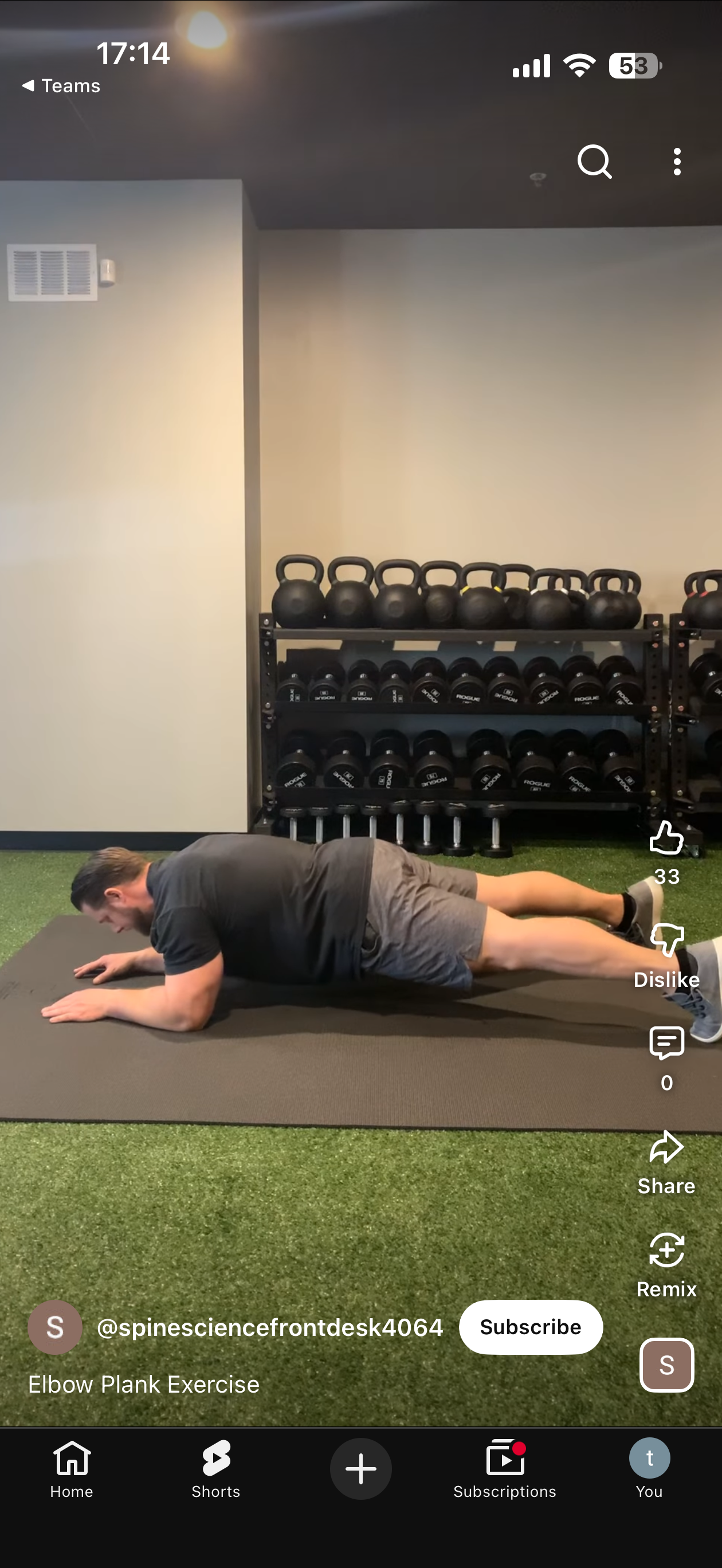
Step 2: The Hold
ID: STEP_2
Description:
Lift into a plank; keep hips level and back flat (no sagging or arching).
Breathe deeply and maintain a rigid body for 20 seconds.
Weight centered, legs straight, and toes grounded.
Time: 35.0%

Step 3: Reset
ID: STEP_3
Description:
Drop knees slowly and release tension.
Pause briefly before the next rep.
Time: 50.0%
Step 4: Setup
ID: STEP_1_REP2
Description:
Face down, hands under shoulders, palms flat, and fingers wide.
Head-to-heel straight line, elbows tucked, and core engaged.
Eyes on the floor to keep the neck neutral.
Time: 65.0%
Step 5: The Hold
ID: STEP_2_REP2
Description:
Lift into a plank; keep hips level and back flat (no sagging or arching).
Breathe deeply and maintain a rigid body for 20 seconds.
Weight centered, legs straight, and toes grounded.
Time: 85.0%
Step 6: Reset
ID: STEP_3_REP2
Description:
Drop knees slowly and release tension.
Pause briefly before the next rep.
Time: 100.0%
Basic Information
Exercise ID(s):
05f46972-c864-42cb-aa44-e7b358beb247
Total Steps: 6
Config File:
plank_left_view.yaml
Evaluation Thresholds
Key Landmarks
0
6
8
12
14
16
24
26
28
Processing Options
- Show Visualization
- Save Video
- Save Report
- Save Visualization
- AI Summary (groq)